Showing posts with label iPhone. Show all posts

Sunday, June 30, 2013

Fossil Phone Case Wristlet

A few weeks ago I got an email from Fossil wondering if I would like to try one of their cell phone cases. Boy would I!

I am a big Fossil fan. I have about a half dozen Fossil watches, a few of their necklaces and even Fossil shoes.
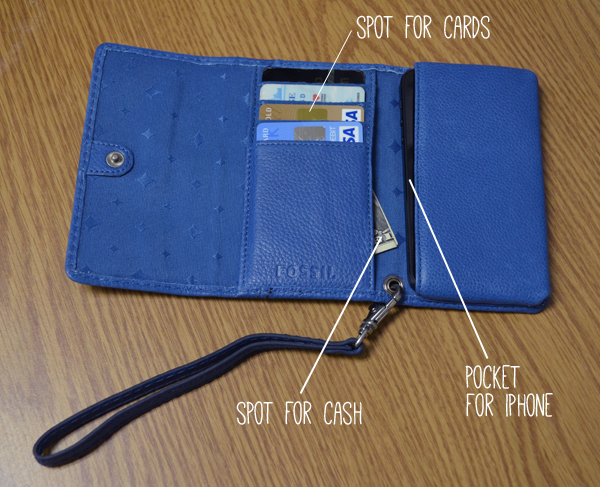
I was very excited to try the Fossil Marlow Phone Case in blue. It's a wristlet with a spot for your iPhone, cards and a few dollars. I like the idea of having extra protection for my phone.
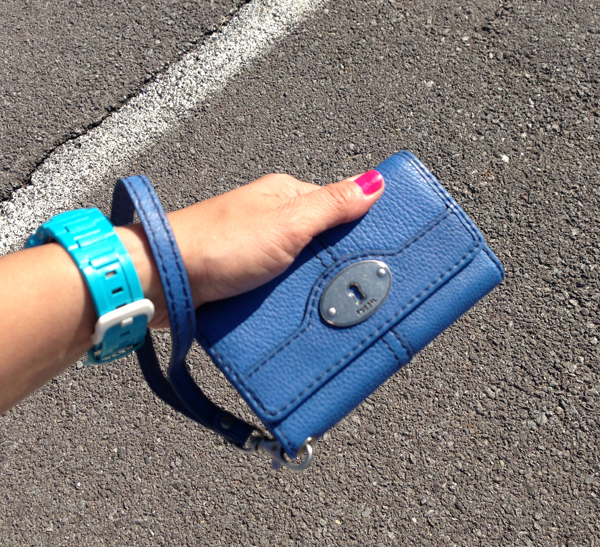
It's perfect for summer when you want to travel light.
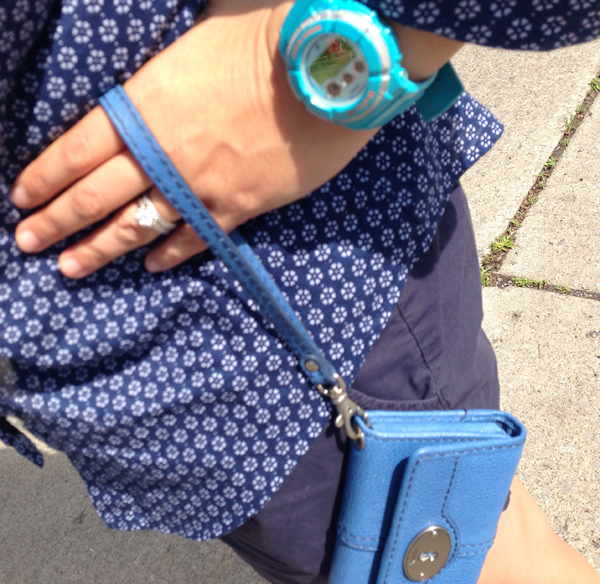
The blue is perfect since I seem to be on blue kick.
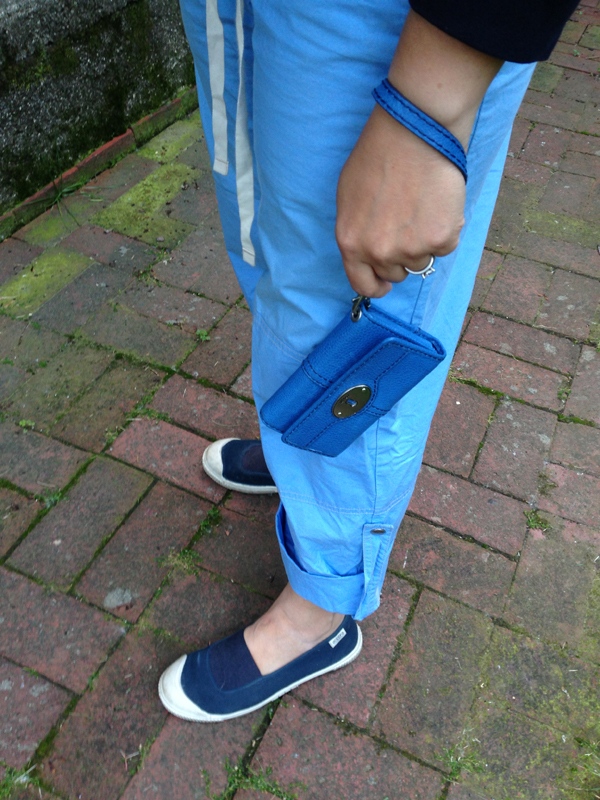
So handy and cute for summer!
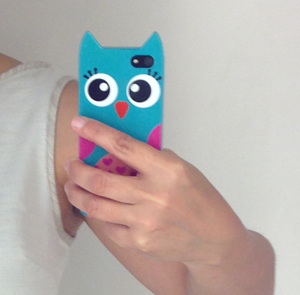
The only drawback I found was if you have a big phone case (or one with ears) it won't fit into the wristlet very well.

Fossil posts good stuff on social media... you can follow them on...
Facebook | Twitter | Instagram | Pinterest

Sunday, December 30, 2012

New Year's Resolution Apps

Instead of "New Years Resolutions" I prefer "Things I would like to do in 2013". This year I found iPhone apps to help me in this endeavor.

Yoga

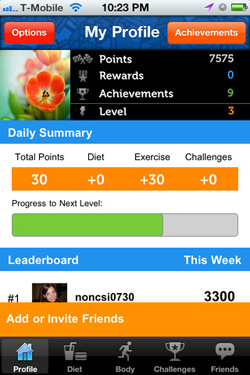
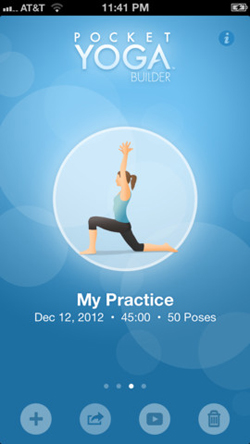
I just signed up for yoga in the office building I just moved into. I'm looking forward to those twice a week sessions. Pocket Yoga looks like a good app for doing a bit of yoga the rest of the time at home. If I'm feeling really ambitious about fitness this year I can try out Slim Kicker

Wake up refreshed

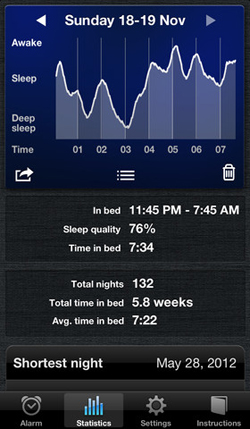
I don't have trouble falling asleep or staying asleep. But I have a hard time waking up. I am the polar opposite of a morning person. I downloaded Sleep Cycle and will be trying that out to see if waking up in the right sleep state helps.

Posture

I've turned into a terrible sloucher. Especially at my desk. I'm hoping Posture Coach can help remind me to sit up straight!

Slow cooker

I would like to cook more at home during the week and using the Crock Pot is the perfect way to cook at home with a busy work schedule. I got the Crock Pot virtual cooking timer which comes with handy tips and there are lots of slow cooker recipe apps out there like GetCrocking!

Monday, August 29, 2011

pixlromatic

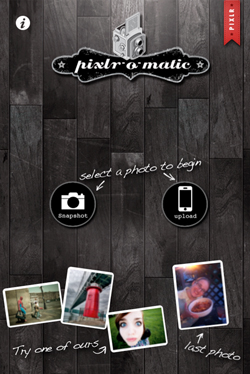
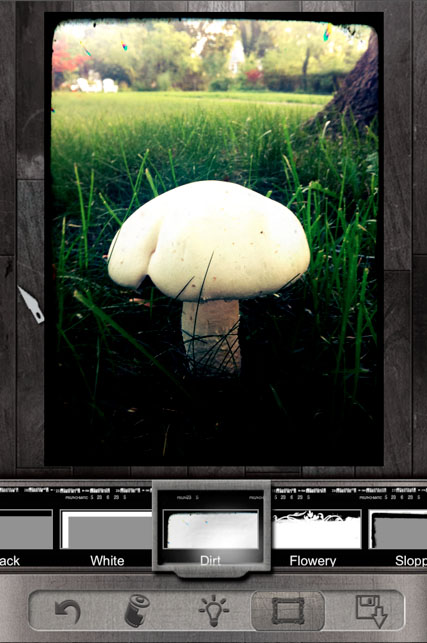
There are a lot of iPhone photo apps out there now... Hipstamatic, Instagram... and now my fav pixlromatic.

It has the most filters and also some effects like bocca and bunch of frames to choose from. It only saves to the phone and uploads to Facebook though - not all the choices like flickr or twitter like some of the other apps, but there are so many effects I'm wiling to just do the sharing from the photo album after downloading.

Friday, June 3, 2011

Day 3: 30 Days of Creativity - Ljc bike iPhone wall paper

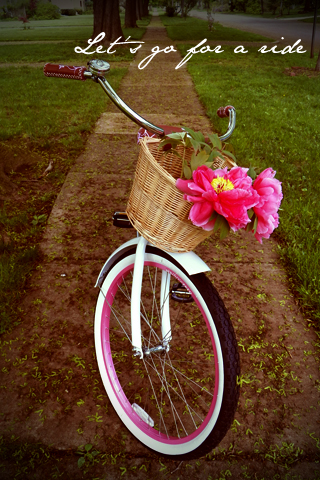
For Day 3 of 30 Days of Creativity I made a bike wallpaper for iPhone. I made those other bike desktop wallpapers, I wanted one for my iPhone too. Just right click on the image to save it to your desktop.

Friday, May 13, 2011

Keep Calm iPhone app code winners

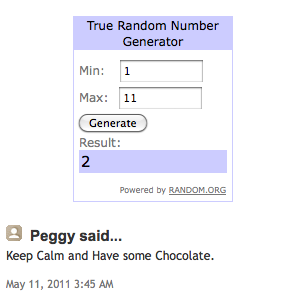
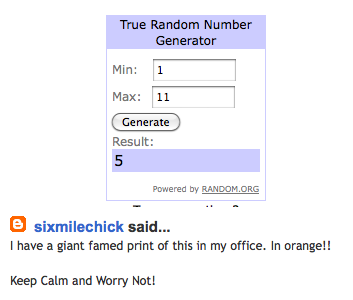
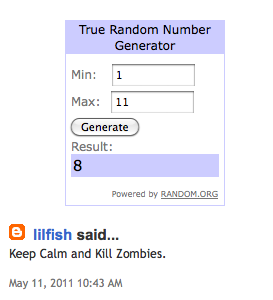
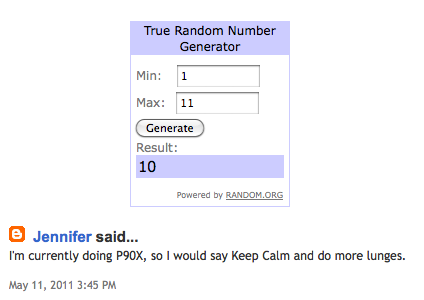
I used the random number generator to choose the winners of the "Keep Calm" iPhone app codes. The generator picked 2, 5, 8 and 10.

Congrats, Peggy, sixmilechick, lilfish and Jennifer! Email me at jennifer DOT cisney AT gmail DOT com and I will send you your free promo code!

Tuesday, May 10, 2011

Keep Calm and Carry On iPhone app & giveaway

I love the Keep Calm and Carry On posters and I love all the creative renditions that people have come up with since the original first came on the scene on the internet.

The husband of one of my blog readers makes some really fun iPhone apps like the Cat-O-Matic which I love playing to make Stewie come running.

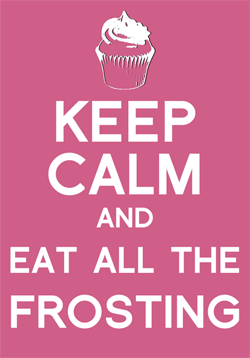
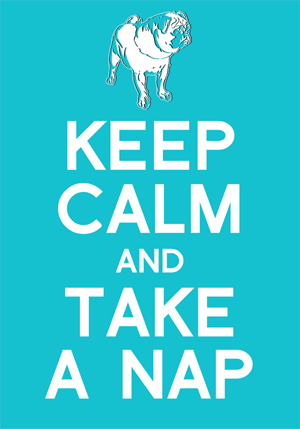
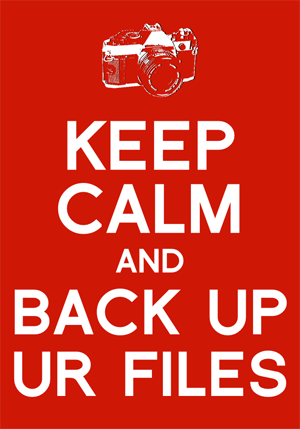
This new app - Keep Calm and Carry On - lets you create your very own "Keep Calm" posters for your phone. I love the pug design of course and could come up with dozens of pug posters.

This one is a good reminder for me.

This app is so easy to use and quite addicting.

Daniel was generous enough to send me a few promo codes for downloading the app for free and I would like to share them with my blog readers.

Leave me a comment with a sample "Keep Calm" message and I will randomly choose four commenters on Friday to get a promo code!

Monday, May 9, 2011

Tuesday, April 19, 2011

New Wegmans iPhone app - Aaron video!

I post here once in awhile about things I am working on at Kodak. Today I want to share something Aaron worked on at Wegmans.

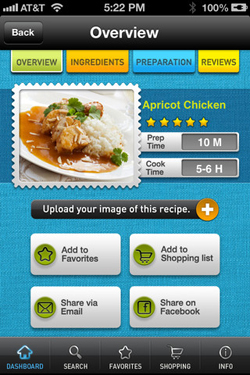
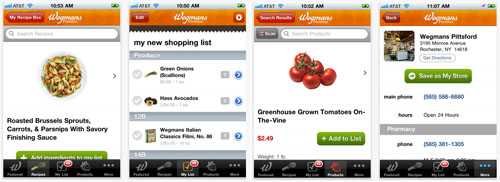
They just launched their redesigned Wegmans iPhone App. There are so many cool and useful features like being able to scan in items at home and add them to your shopping list! But I'll let Aaron talk about it!

I just updated my Wegmans app - I'm a fan!

Monday, November 29, 2010

Angry Birds Addiction

I am hopelessly addicted to Angry Birds on the iPhone. Thanks to Aprille, I blew my way through the free version and am working my way through the paid version. I just downloaded the Halloween version even though it's almost December. I have gone on to infect Aaron, Tina and my mom with the Angry Bird flu also.

I love all the spin offs from Angry Birds - check out this Angry Birds cake, a very cool ornithological illustration of the Angry Birds and this video of the Angry Birds/Pigs peace treaty (warning - the birds drop the f-bomb).

One of the things I like best are the stuffed Angry Birds and pigs that you can buy. What a great holiday gift!

Tuesday, October 26, 2010

Instagram

I got another app on my phone that makes pictures look old.

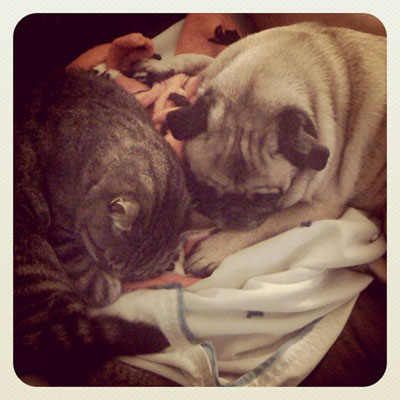
Instagram makes photos look retro... and pugs and kittles extra cute.

Not that they need any help with that.

Friday, April 16, 2010

Hipstamatic App

Lately you may have seen some funky pics popping up on my blog. Aaron downloaded the Hipstamatic App on his iPhone and I thought it was so much fun, I got it too.

I love how it makes pics look vintage. More interesting somehow.

It even makes cows look hip.

Photojojo just made a great guide to all the different filters in the Hipstamatic App. Very useful!

Thursday, February 11, 2010

Skully Headphony

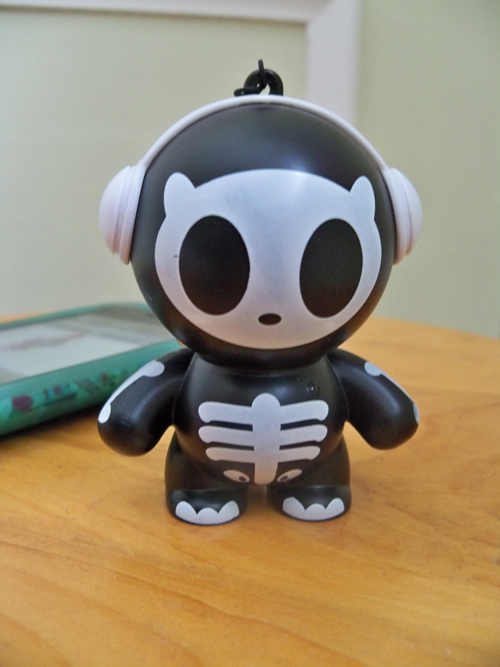
Here's another little gadget I got at CES. It is a wee speaker called Skully made by Headphonies.

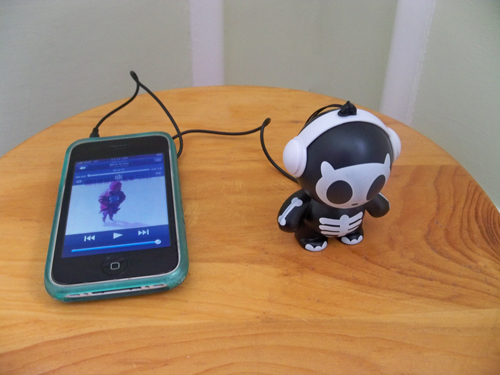
I can hook Skully up to my iPhone or iPod and play music through him. Very handy... and cute.

Saturday, January 30, 2010

foursquare

When I was in Vegas I tried out foursquare and I haven't stopped using it since. I like how it adds another aspect to Twitter and Facebook posts. I also like adding locations and tips. And I really like getting badges and becoming mayor of locations.

Now when Aaron and I are going to Wegmans we are jostling each other to check in on our iPhones before the other. It kind of peeves me that he is the mayor of our house. Hmmphhh.

Thursday, July 16, 2009

Cat-o-matic

Awhile ago a reader emailed me to tell me about an iPhone app her husband created. Cat-o-matic makes cat noises to baffle your kitty with. I downloaded it and here is Stewie's reaction.

Maybe not the typical kitty reaction, but there you have it.

Monday, April 27, 2009

Pug on Park

It was such a nice weekend we had dinner with Oscar on Park Ave. (And I had some fun with the Photogene iPhone photo editing app)

Friday, August 29, 2008

iPhone apps

As you can see I am trying out different apps on the iPhone for posting to my blog. Shozu worked well, but the picture comes out so small! Hmmmm.

Wednesday, July 23, 2008

iPhone Apps

When we got our iPhones, I knew I would like the easy access to email and the web browsing. But lately it's been the downloadable apps that have caught my fancy.

You can download all sorts of apps like To Do lists, Facebook browsers, calculators and some really fun ones like these...

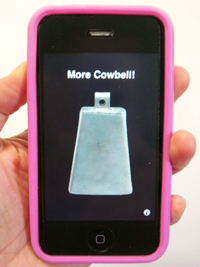
More cowbell displays a cowbell that clanks whenever you tap the screen. It also occasionally plays Christopher Walken shouting the infamous SNL line "I need more cowbell!"

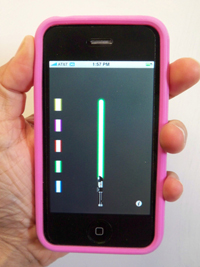
Phonesaber displays a lightsaber that let's you change the color of the blade. Then when you wave your iPhone around it makes the familiar swoosh swoosh sounds. Aaron and his friend pulled out their iPhones in the middle of the mall and started swooshing one another and I had to walk away from thier nerdy display of delight.

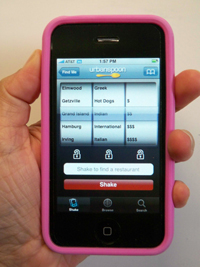
Urbanspoon checks where you are through the GPS and displays 200 local restaurants. By shaking the iPhone Urbanspoon then choose a random restaurant for you to eat at. Buffalo is the closest city for now, but I emailed Urbanspoon and Rochester is on their radar. Yay!

UPDATE: Rochester is now on Urbanspoon! I'd like to think it is due to my sad email I sent them begging for it to be added!

Friday, July 11, 2008

iPhone

Yes, we stood in line for iPhones today. It was so worth it.